
Bill faster with fewer manual steps.
Generate and send invoices from connected project and CRM context. Keep payment follow-up structured and visible.
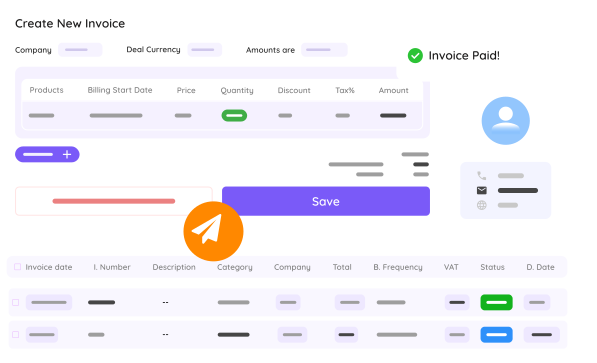
Manual billing creates avoidable delays
Most finance friction comes from disconnected tools and unclear ownership.
Invoice data is copied manually
Customer and product details are re-entered, increasing errors and rework.
Recurring billing is inconsistent
Subscription and maintenance invoices are not always generated on time.
Payment status is hard to track
Outstanding invoices are spread across systems and follow-up gets delayed.
Project completion and billing are disconnected
Invoices are sent too late because delivery milestones are not linked to billing.
A clear billing flow
From trigger to payment follow-up, keep invoicing in one operational loop.
Trigger invoice creation
Generate invoices from project milestones, recurring schedules, or completed work.
Send with CRM context
Use linked customer and service data to reduce manual entry and improve accuracy.
Track and follow up
Monitor payment status and run reminders so cashflow stays predictable.
Core invoicing capabilities
Run day-to-day billing with less admin overhead.
Automated invoice generation
Create invoices from events and schedules instead of manual drafting.
Recurring billing
Handle subscriptions and service cycles with structured cadence.
CRM-linked invoice data
Keep customer and service context attached to every invoice.
Payment visibility
Track outstanding amounts and keep collections organized.
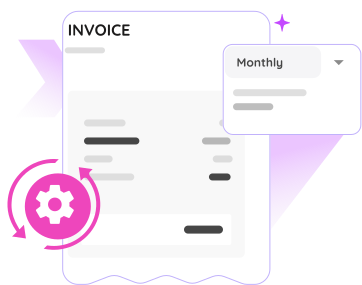
Automate recurring invoice cycles
Set recurring cadence for subscription and service-based billing so invoices are not missed.
- Define interval-based billing schedules
- Reduce manual monthly processing
- Support predictable revenue flow
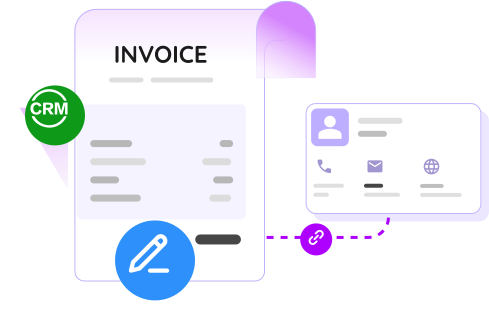
Generate invoices with clean customer context
Use connected CRM data to reduce mistakes and improve invoice consistency across teams.
- Avoid repeated data entry
- Keep customer details aligned
- Improve invoice quality and speed
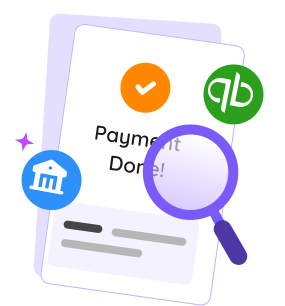
Stay ahead on outstanding payments
Track payment status in real time and trigger reminders so overdue balances are handled earlier.
- Monitor open and paid statuses
- Run structured reminder workflows
- Give finance and ops one shared view
No forced upgrades, pay by module usage
FlowQi gives every user the core operating apps. Add invoicing access only for users who need billing workflows.
Common questions about FlowQi Invoicing Tool
Can I automate recurring invoices?
Yes. You can configure recurring invoice schedules for subscriptions and long-term services.
Does invoice data sync with CRM context?
Yes. Customer and related context can be linked so invoice preparation needs less manual input.
Can I track unpaid invoices and reminders?
Yes. Payment status tracking and reminder workflows help teams follow up faster.
Can invoicing connect to project completion?
Yes. Invoicing can be triggered by project milestones and delivery events.
Want invoicing to run with less admin effort?
Use a connected billing setup that aligns projects, customer data, and payment follow-up.