
Create, sign, and share documents in one secure flow.
Keep document operations connected to your customer and project context, without scattered file versions and manual handoffs.
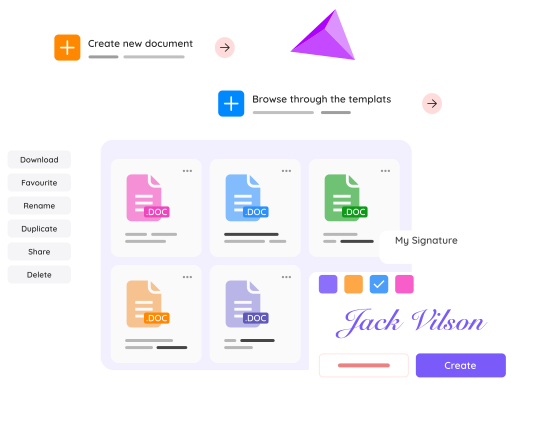
A practical document lifecycle
Create documents, route approvals, and keep secure access control from one workspace.
Create and link
Generate documents and connect them to contacts, projects, or deals in FlowQi.
Collaborate and sign
Share drafts, gather approvals, and collect digital signatures in a controlled flow.
Store and govern
Keep files secure with access control so internal and external sharing stays structured.
Core capabilities for document operations
Run document creation and approval with less friction.
Document generation
Create quotes, contracts, and operational documents in one managed environment.
Digital signatures
Collect e-signatures with clear status tracking and controlled access.
Access control
Define who can view, edit, and share documents internally and externally.
Workflow connection
Keep documents tied to CRM and project context for better process continuity.
Generate and route documents at the right moment
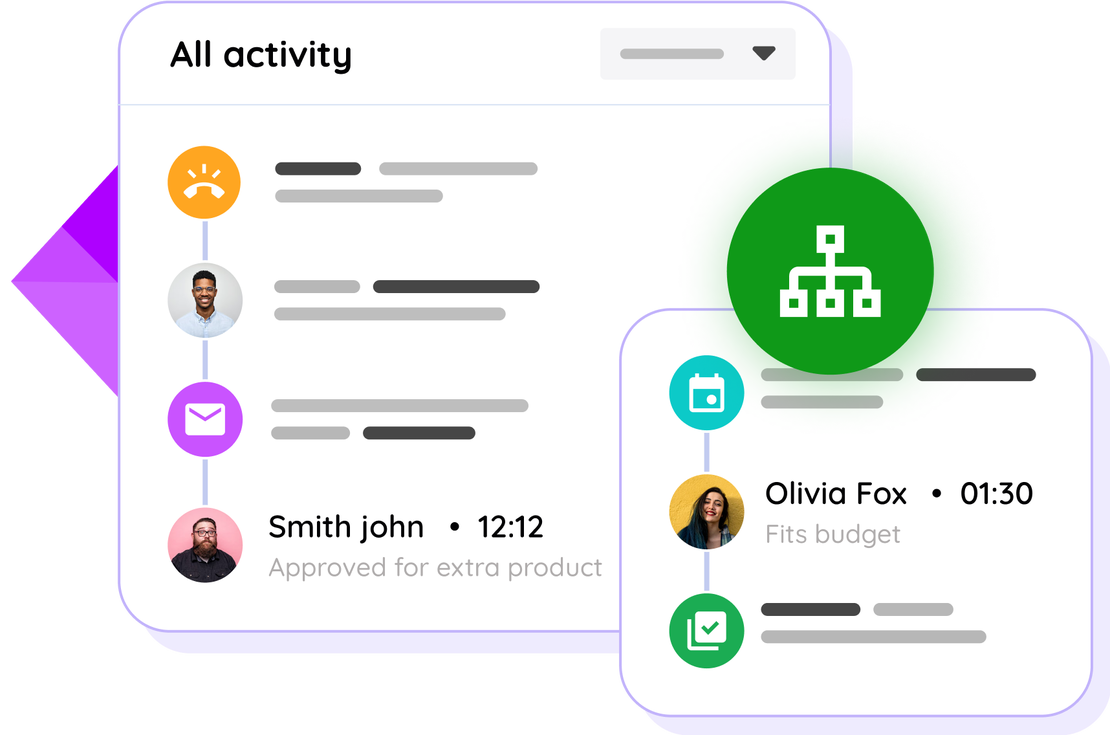
Use event-based logic to create and send the right document when milestones or deal stages are reached.
- Automate quote and contract creation
- Reduce manual admin at key process steps
- Keep timing consistent across teams
Handle signatures and sharing with stronger control
Collect signatures and share documents securely while maintaining governance over edits and access rights.
- Gather signatures without external document juggling
- Collaborate with teams and clients on one source file
- Maintain secure sharing and permissions
Common questions about FlowQi Docs
Can documents be linked to CRM and projects?
Yes. Documents can be connected to related contacts, deals, and project context inside FlowQi.
Does FlowQi Docs support digital signatures?
Yes. You can collect digital signatures as part of the document flow.
Can I control who can access shared documents?
Yes. Access and sharing can be managed so teams and external stakeholders only see what they need.
Need a cleaner way to run document workflows?
Use one setup for document creation, signing, and secure collaboration.