
Every customer. One place.
Your team knows your clients — but scattered notes, inbox chaos, and duplicate contacts mean that knowledge stays locked in people's heads. FlowQi gives every client a proper home: one profile, full history, all context.
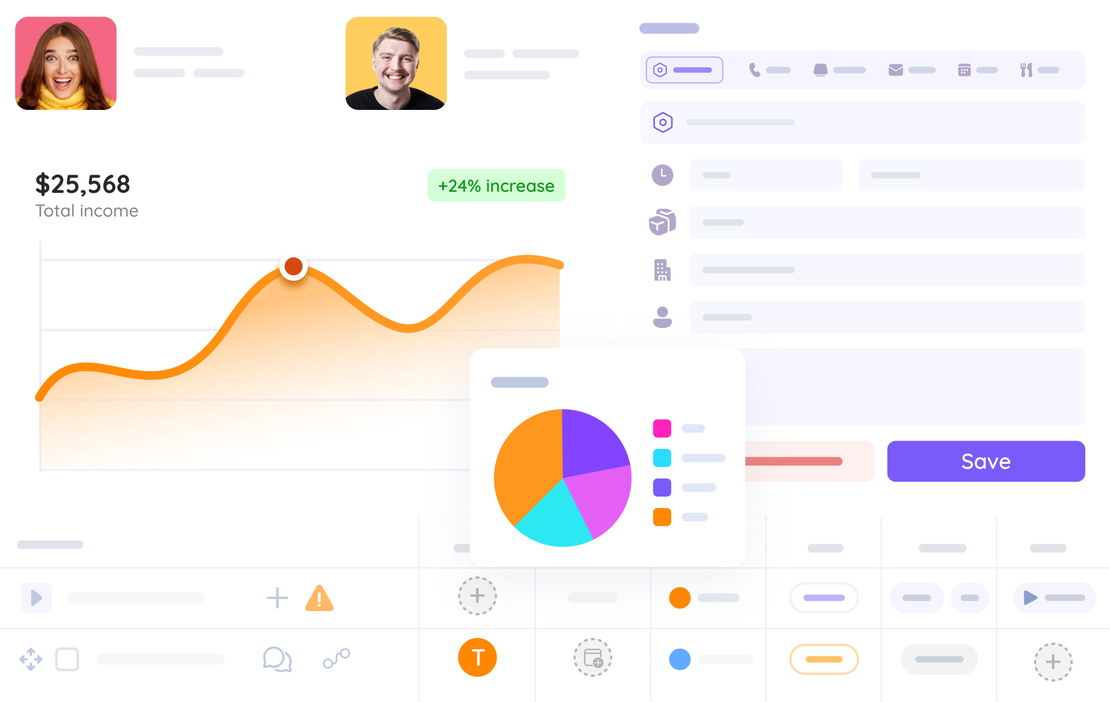
Client data is everywhere — except where you need it
Most teams lose deals not because of the product, but because of broken processes. Contacts in spreadsheets. Follow-ups in inboxes. History in people's heads.

Contacts in spreadsheets
You copy-paste names and emails between tools. One typo and a client disappears from your radar.

Follow-ups lost in inboxes
Someone promised to follow up. Three weeks later, the client calls to say they went with a competitor.

'Who spoke to them last?'
The account changes hands and nobody knows what was discussed. The client has to explain themselves again.

Duplicate outreach
Two team members reach out to the same contact on the same day. Looks unprofessional. Costs relationships.
Ready to fix your client chaos?
Start free — no credit card requiredUp and running in minutes
No migration project. No consultant. Import your contacts, set up your fields, and your team has a shared client database from day one.
Import your contacts
Upload a CSV or connect your existing tool. FlowQi maps your fields automatically — contacts land in your workspace in seconds.
Customise your workspace
Add the custom fields your business needs, set up team members, and create saved views for the segments that matter most.
Work as a team
Everyone sees the same client profiles, activity history, and follow-up tasks. No silos, no duplicate outreach, no dropped balls.
Everything your team needs to manage clients — built in
No plugins, no integrations, no extra cost. Client management is a core part of FlowQi.

Complete client profiles
Name, company, contact details, tags, and custom fields — everything about a client in one card.

Activity timeline
Every email, call, note, and meeting logged automatically. Your whole team sees the full history.

Smart search & filters
Find any client in seconds. Filter by status, tag, deal stage, or last activity. Save your views.

Team visibility
See who owns which account and who last spoke to a client. No gaps, no duplicate outreach.

Custom fields
Add the fields your business actually needs — contract value, renewal date, industry code, anything.

Follow-up tasks
Set reminders directly on a client profile so tasks stay tied to context. Never drop the ball again.
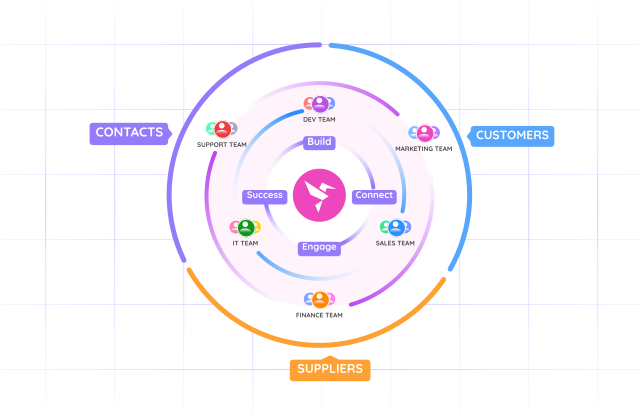
Unified customer context for every team — in one system
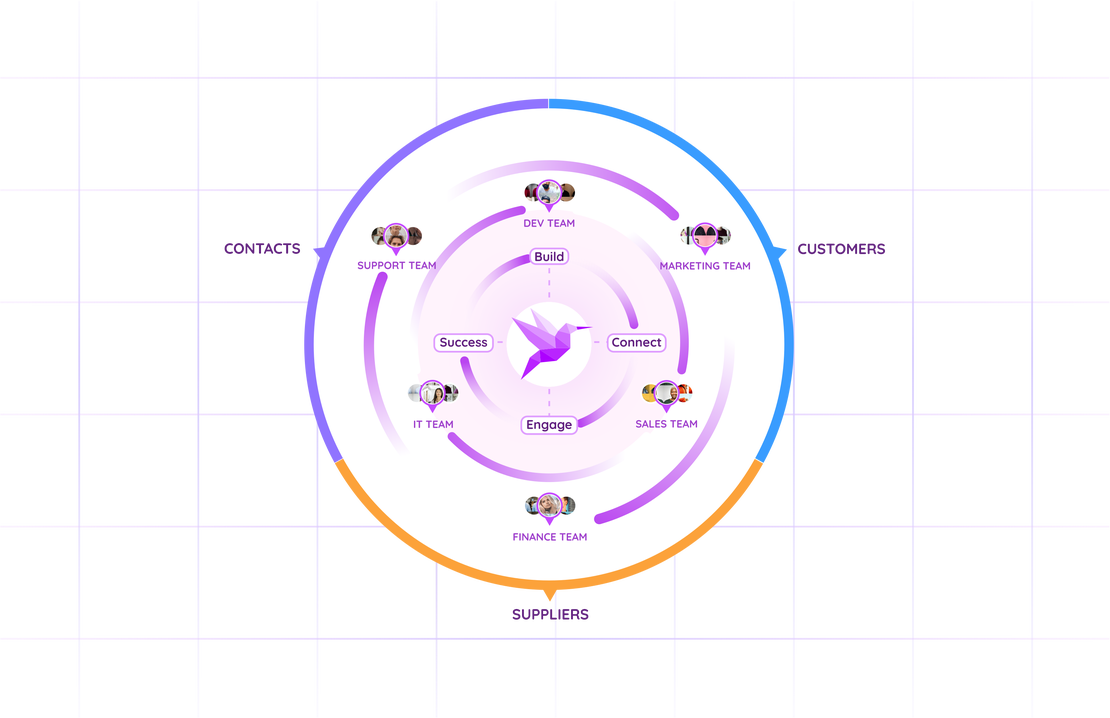
FlowQi CRM is built for teams across your organization — from sales and marketing to customer service. Everyone works from one central customer database, so contacts and history are no longer scattered across different tools. Every handover stays consistent, and every customer interaction stays professional.
- One shared customer and contact database across all teams
- No fragmented records across spreadsheets, inboxes, and tools
- Full interaction history visible to sales, marketing, and service
- Smoother team handovers without losing customer context
- Consistent, professional communication at every touchpoint
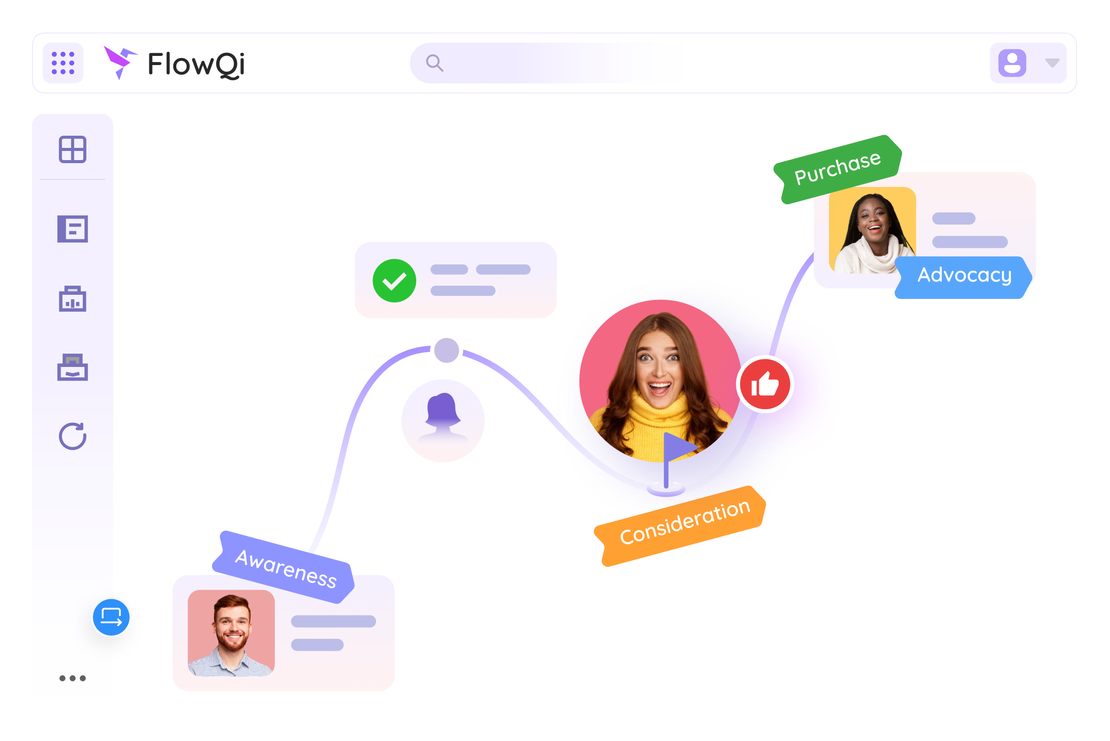
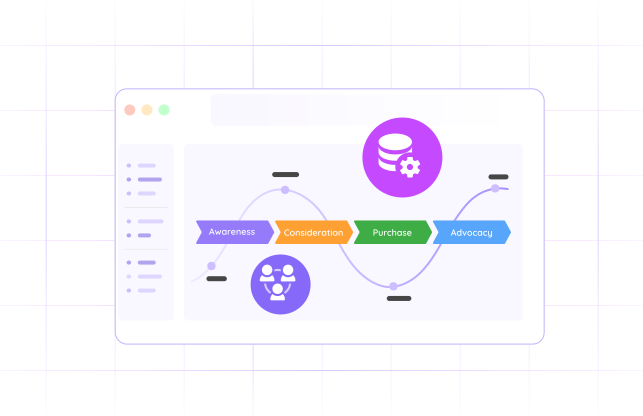
See the full customer journey — from first touch to renewal
Most teams lose context between handovers. Marketing knows the campaign source. Sales knows the deal notes. Service knows the open issues. FlowQi keeps it all connected in one timeline, so every team sees the same story and the next best action.
- Track every touchpoint: campaign, deal, project, and support updates
- See journey status and ownership at a glance
- Spot stalled accounts before they become churn risk
- Give every team the same customer context in real time
One contact profile. Every conversation. Full context.
Open any client and you're instantly caught up. See every email sent, every call logged, every note left by a colleague — all in a single timeline. The client profile is where your team's collective knowledge lives.
- Complete contact details plus your custom fields
- Activity timeline: emails, calls, notes, meetings in one view
- Linked tasks and upcoming follow-ups
- Attached files, proposals, and contracts
Built for the way your business works
No two businesses track clients the same way. Add custom fields for contract values, renewal dates, industry codes, or anything specific to your process. FlowQi adapts to you — not the other way around.
- Text, number, date, dropdown, and checkbox field types
- Fields appear on every client profile automatically
- Filter and sort your client list by any custom field
- Export to CSV with all custom fields included
Never let a follow-up fall through the cracks
Set follow-up reminders directly on a client's profile so tasks stay tied to context. Your team sees what's due, who owns it, and what it's about. No more lost sticky notes.
- Tasks linked directly to the client profile
- Due dates, owners, and priority levels
- Overdue tasks flagged in the client list
- Team-wide task visibility — no hidden to-do lists
No tiers. No upsells. Just pay for what your team actually uses.
Traditional SaaS forces you into Essentials, Premium, or Business plans — and locks features behind upgrades. FlowQi works differently: every user gets the full platform. You only pay extra for the modules your team actually uses.
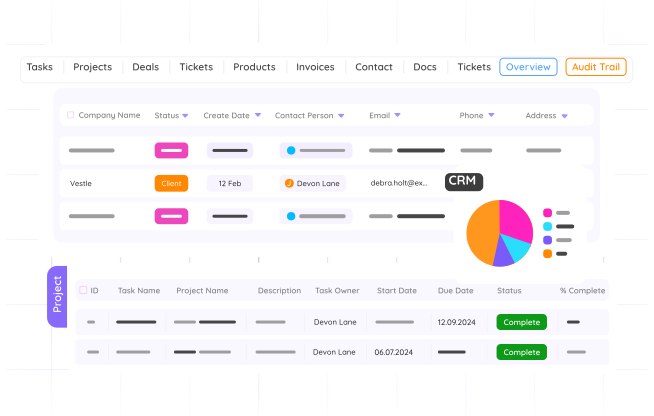
Client data connected across projects, time, and billing
Standalone CRMs stop at the contact card. FlowQi connects your client data to projects, time tracking, and invoicing — so you see the full picture from one profile.

Client
Every contact, company, and conversation in one profile.

Project
Link clients to projects. See status, budgets, and deadlines.

Time
Track billable hours per client. Monitor team capacity.

Invoice
Turn tracked hours into invoices. One click, fully connected.
Teams that switched to FlowQi don't go back
We used to lose track of clients all the time. Since switching to FlowQi, client onboarding time dropped by 60%. Everyone is on the same page now.

We track renewal dates and contract values right in the client profile. No more parallel spreadsheets. Our renewal rate went from 72% to 91% in six months.

Our team grew from 3 to 12 people and I was terrified of knowledge silos. New team members get up to speed on any client in under 5 minutes with FlowQi.

Common questions about FlowQi client management
Is client management included for every user?
Yes. Organisations, Contacts, and Projects are standard apps included for every FlowQi user at no extra cost. There are no tiers — every user gets full access to these core modules from day one.
Can I import my existing contacts?
Yes. You can import contacts from a CSV file with a simple field-mapping step. We also support import from common CRM exports like HubSpot and Pipedrive.
How does FlowQi pricing work? Are there different tiers?
No tiers. No Essentials, Premium, or Business plans. Every FlowQi user gets the standard apps — Organisations, Contacts, and Projects — included. You only pay extra for additional modules like Time & Resource or Invoicing, and only for the team members who actually use them. A team of 10 where 4 use time tracking? You pay for 4, not 10.
How many custom fields can I add?
There is no artificial limit on custom fields. Every user gets full access to custom fields — because we don't believe in locking features behind pricing tiers.
Can my whole team see the same client data?
Yes. All client profiles, activity timelines, and follow-up tasks are shared across your workspace. Every user has full access — no feature restrictions based on plan level.
Does FlowQi track emails automatically?
Email logging is on our roadmap. Currently you can manually log emails and calls on a client's activity timeline. Automatic sync with Gmail and Outlook is coming in 2026.
Can I link clients to projects and invoices?
Yes — that's FlowQi's superpower. You can link clients to projects, track billable hours, and generate invoices — all from the same client profile. No copy-pasting between tools.
How does FlowQi compare to standalone CRMs like HubSpot or Pipedrive?
Standalone CRMs focus only on sales pipeline management and charge €45–99/user for features you may not even need. FlowQi gives you client management plus project delivery, time tracking, and invoicing — all connected. And you only pay for the modules each team member actually uses. No forced upgrades, no feature gates.
What are the standard apps every user gets?
Every FlowQi user gets Organisations, Contacts, and Projects as standard apps — included at no extra cost. These are the foundation of your workspace. Additional modules like Time & Resource, Invoicing, and AI (Hummy) can be added per user as needed.
Your clients deserve better than a spreadsheet
Join teams already using FlowQi to manage every customer relationship in one place. Start free — no credit card required.