
What Is Task Management? Definition, Process, Skills and Techniques

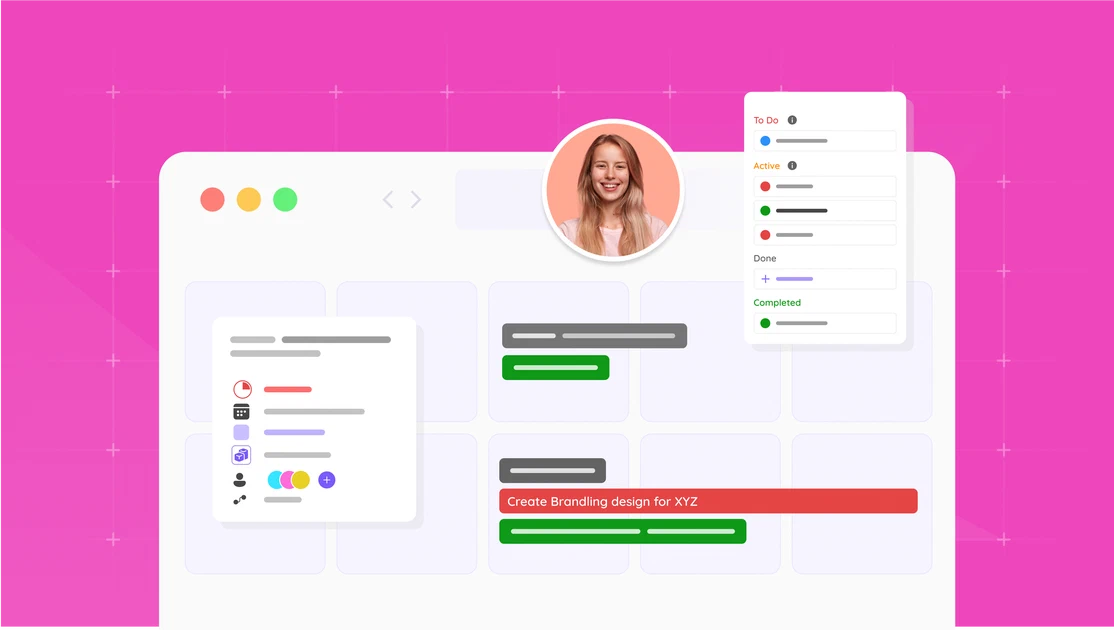
What is task management?
Task management is the process of taking a piece of work from “someone should do this” to “done”, with a known owner, a known deadline and a visible status in between. Wikipedia describes it as overseeing a task through its lifecycle: planning, tracking and reporting. In practice that lifecycle has six steps, covered below.
It sits between two neighbours. Time management is about the hours in your day; task management is about the work that has to fit in them. Project management is about the goal, the scope and the budget; task management is about the pieces the project is made of. You need all three, and most people who say they are bad at time management are actually missing a task list they trust.
Task management, time management and project management
Three terms that get mixed up, one table to keep them apart.
| The unit | The question | The tool | |
|---|---|---|---|
| Time management | Your hours | When do I work on what? | A calendar |
| Task management | A task | What has to be done, by whom, by when, and is it done? | A task list or board |
| Project management | A project | Will the whole thing land on time, in scope and on budget? | A project plan with milestones and a budget |
Every project is made of tasks, so project management contains task management. A to-do list on its own is not a project plan: it has no scope, no budget and no dependencies. The reverse mistake is more common in agencies: a beautiful project plan with milestones, and nobody knows what they are supposed to do on Tuesday. That gap is what task planning closes.
The task management process in six steps
The process is the same whether you run it on paper, in an app or in a platform. What changes is how many people have to see it.
- Capture. Everything that has to be done goes into one place: the request from the client, the idea from the meeting, the bug from the email. One list, not five. A task that lives only in someone’s head is not managed.
- Clarify. Turn each item into a task someone can start: a verb, an outcome, and the information needed. “Website” is not a task. “Draft the three homepage headlines for review on Thursday” is.
- Prioritise. Decide what matters today and what can wait, using urgency and importance rather than the order things arrived in. The Eisenhower matrix below is the classic way to do it.
- Schedule and assign. Give the task an owner and a date, and check that the owner has the hours. For a team this is where task management meets workload management: a task assigned to someone who is already full is a task that will be late.
- Do and track. Work the task and keep its status current: to do, in progress, waiting, done. The status is for the people who would otherwise ask.
- Review and close. Once a week, look at the list: what is done, what slipped, what should be dropped. Close tasks properly, with a note on what was delivered and what is still open. The review is where most systems fail, because it is the step nobody is asked for.
Task management skills
The tools are easy to learn. These are the skills that decide whether the list stays true.
- Prioritising, which mostly means deciding what not to do today, and being able to say so.
- Estimating. Knowing that “a quick fix” is two hours, because last time it was. Logged hours are the honest source for this.
- Breaking work down. Turning “launch the campaign” into steps that each fit inside a day and have a clear finish.
- Delegating with a brief. An owner, a date, the context, and what done looks like. A task handed over without those comes back as a question.
- Communicating status before someone has to ask. A current status on the task saves a meeting.
- Closing. Writing down what was done and what is still open, so the next task starts from facts.
- Reviewing weekly. Keeping the list honest by removing what will never happen and re-dating what slipped.
Task management techniques that work
Most techniques answer one of two questions: what first, and how to protect the time to do it. The ones below are the ones that survive contact with a real week.
The Eisenhower matrix: what first
The Eisenhower matrix sorts tasks on two axes, urgent and important. Urgent and important: do it today. Important, not urgent: schedule it, this is where the real work lives. Urgent, not important: delegate it. Neither: drop it. It works because it forces the third and fourth boxes, which are where a to-do list quietly fills up.
Time blocking: protect the hours
Time blocking reserves a block in the calendar for one task and treat it as an appointment. “Answer email” from 9:00 to 9:30, the proposal from 9:30 to 11:00, calls after that. It turns a task list into a day that fits, and it shows early when the list does not fit.
The 3-3-3 rule: a day that fits
Three hours on your most important project, three shorter urgent tasks, three maintenance items such as email, admin or a meeting. The rule, from author Oliver Burkeman, caps the day at what is realistic instead of listing everything you would like to do. It is a personal technique, not a team system.
The two-minute rule: clear the small stuff
If a task takes less than two minutes, do it now. Thinking about it later costs more than doing it now, and a list full of two-minute items hides the three tasks that matter.
Eat the frog: the hard one first
Do the task you are most likely to postpone first, while the day is still empty. Everything after it feels lighter, and the task does not spend the day leaking attention.
Kanban: make the status visible
Columns for to do, in progress and done, with a limit on how much can be in progress at once. It is the simplest way to see where work is stuck, and for a team it replaces the status meeting.
Weekly review: keep the list true
Thirty minutes at the end of the week: close what is done, re-date what slipped, delete what will never happen, and pick the three that matter next week. Without this, every technique above degrades into a longer list.
Two things that are not techniques but decide whether any of these work: single-tasking, because switching between tasks costs real time, and breaks, because a list is managed by a person with a finite amount of attention.
Task management for teams
Everything above scales to a team with two additions: every task has one owner, and the status is shared.
- One owner per task. A task with two owners has none. If two people work on it, split it.
- A status everyone can see. To do, in progress, waiting, done. The point is that nobody has to ask.
- Comments and files on the task, not in email, so the context is where the work is.
- A limit on work in progress. Ten open tasks per person is a list; three is a plan.
- Dependencies where they exist. If the design cannot start before the copy, the task list should say so, or the designer finds out on the day.
- Load per person. Assigning tasks without looking at who is already full is how deadlines are missed with everyone busy. That view is workload management, and the wider version, whether next month’s work fits the team at all, is capacity planning.
Task management when the tasks belong to a client
In an agency or consultancy, a task is rarely just a task. It is a piece of a project, for a client, that someone will bill. That changes what the task has to carry:
| A task in a to-do app | A task in a business that sells time |
|---|---|
| Title, owner, date | Plus the project and the client it belongs to |
| Done or not done | Plus the hours it took, against the hours that were budgeted |
| Lives in the app | Lives on the client record, next to the quote and the invoice |
This is why agencies outgrow to-do apps: the tasks are fine, but the questions around them (did we stay in budget, what do we bill, who has room next week) live in other tools. In FlowQi a task belongs to a project, the project belongs to a client, and hours logged on the task count against the project’s time budget, so the task list and the numbers are the same system. See the task management tool and, for the planning side, project management.
Task management tools: three kinds
Which tool fits depends on who has to see the list and what happens after a task is done.
- A personal list. Todoist, Google Tasks, Apple Reminders, or paper. Right for one person and for the tasks that are yours alone. Cheap, fast, and invisible to your colleagues.
- A shared board. Trello, Asana, monday.com, ClickUp. Right for a team that needs owners, dates, statuses and comments in one place. Strong on the task, silent on what it cost.
- A platform where the task sits on the client and the project. Right for businesses that sell their time, because the task, the hours and the invoice belong together. FlowQi is this kind; so are Productive, Teamwork.com and Scoro at a different price and size. Our comparison of marketing agency software prices them on the same job.
Pick the smallest kind that answers your questions. A freelancer with three clients does not need a platform; an agency of ten with a spreadsheet for budgets already has one, spread across four tools.
Task management in short
- Task management is deciding what has to be done, by whom and by when, and following it through
- It sits between time management (your hours) and project management (the goal, scope and budget)
- The process: capture, clarify, prioritise, schedule and assign, do and track, review and close
- The skills: prioritising, estimating, breaking work down, delegating with a brief, communicating status, closing, reviewing weekly
- The techniques: Eisenhower, time blocking, 3-3-3, two-minute rule, eat the frog, kanban, weekly review
- For a team: one owner per task, a shared status, a limit on work in progress
- When the task belongs to a client: it has to carry the project, the hours and the budget too
Ready to run tasks next to the clients and projects they belong to? Start free with Basic: CRM, projects and tasks for your whole team, no end date.
People Also Ask
What do you mean by task management?
What is the difference between task management and project management?
What are examples of task management skills?
What is the most effective way to manage my tasks?
What is the 3-3-3 rule for time management?
What is the best task management tool?
How does task management software help a team?