Why We Decoupled Structure and Permissions in Our Platform
How we built our platform around project-level permissions and visual circles, solving the scaling and complexity problems that ClickUp and Asana face.

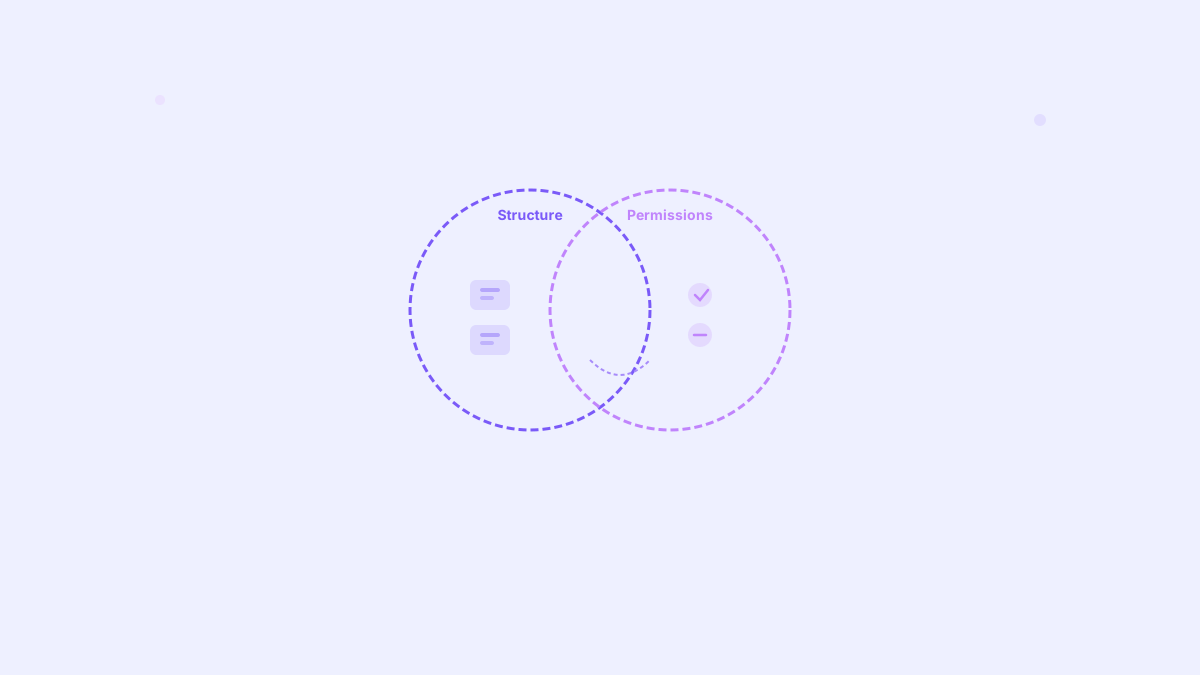
We chose a different path: projects are the only source of permissions. Circles are workspace‑like visual folders for projects — they organise work, but never grant access. Every project lives in exactly one circle.
Table of contents
The Hidden Problem With Traditional Tools
Tools like ClickUp, Asana, Monday, and Wrike all use the same pattern:
- ClickUp: Spaces → Folders → Lists
- Asana: Teams → Projects
- Monday: Workspaces → Folders → Boards
- Wrike: Spaces → Folders → Projects
In all of them, permissions live on the grouping level (Spaces/Teams). This sounds convenient — join a team, see all projects — but it creates real issues:
- Adding one user can expose dozens of projects
- Cross-team collaboration is messy and full of manual overrides
- Moving projects between spaces breaks access or resets permissions
- External users often see more than they should
It gives stakeholders a feeling of control, but creates hidden complexity that shows up once you scale.
The Real Pain: Two Permission Layers Collide
Most tools try to balance “workspace-level” privacy with “project-level” privacy. On paper it sounds flexible; in practice it creates conflicts and edge cases:
- Visibility vs. entry conflict: people can see a project because they’re in the space/team, but can’t open it due to project-level rules.
- Exception sprawl: one-off overrides on projects slowly drift from space defaults and become unmanageable.
- Inheritance traps: moving a project between spaces unexpectedly reveals or removes access because parent rules re-apply.
- Role shadowing: a user’s role in the space (Viewer/Editor) conflicts with their project role (Contributor/Guest) producing surprising permissions.
- Onboarding leaks: adding someone to a team grants visibility to many projects by default, even when only one project was intended.
- Audit uncertainty: “Who can access this?” depends on both the space and the project—hard to answer, hard to prove.
If you’ve used tools like ClickUp, you’ve likely run into these situations. Their own docs reflect the complexity of balancing workspace (Spaces/Folders/Lists) privacy with item-level sharing. See for example: Permissions in detail.
This doc shows how Space privacy and item-level sharing/roles interact, often causing “visible but not enterable” projects, inheritance surprises when items move, and role conflicts — exactly what we avoid by keeping permissions project-only.
Our Approach: Projects Are Leading
We flipped the model.
- Projects are the only place with permissions, roles, and access rules
- Circles are purely visual — like folders for projects
- Project teams can include any mix of people (internal or external)
- Circle templates provide default project setups and user sets
Users only see projects they have access to — even if they see the circle name.
Moving projects between circles never changes permissions.
Think of projects as the engine. Circles are the folders they live in.
This gives us:
- Clarity (one source of truth)
- Safety (no leaks, no hidden inheritance)
- Flexibility (move projects anytime without breaking access)
What Is a Circle?
A circle is a visual container for projects — like a folder — that gives structure without changing who can access anything.
- Not a permission boundary: circles never grant or remove access
- Exactly one circle per project: every project must live in a circle
- Purely organisational: name, color/icon, and description for clarity
- Smart defaults: circle templates can suggest members and project settings
- Archival-friendly: archiving a circle doesn’t change project permissions
Examples
- Marketing circle → Brand Refresh, Website, Campaign Q4
- Client: Acme Corp circle → Implementation, Success Plan, QBR
- Product circle → Roadmap, Design System, Release Train
When to create a new circle
- You want a clear home for a set of related projects (department, client, program)
- You need different default members/settings for new projects in that group
When not to use a circle
- To hide or expose work. If access needs to change, change the project team, not the circle.
Why Circles Still Matter
Stakeholders want structure. They want to “see who’s in this space” or “group all marketing projects together.”
Circles give exactly that — visually, not logically.
- Every project belongs to exactly one circle
- Circles don’t grant access, they only group projects
- Each circle can show suggested members so it’s easy to invite the right people to new projects
- Because circles are mandatory, users always see a clean, structured workspace
So users get the feeling of hierarchy they expect — without the permission chaos.
Workspace Feeling, Without the Limitations
Teams still love the sense of a dedicated “home” — a workspace — for their projects. We preserve that experience, without tying access to it.
- Workspace-like circle pages: branded header, URL, and overview for all projects in the circle
- Contextual defaults: creating a project inside a circle pre-fills templates, suggested members, and settings — but permissions are still set on the project
- Scoped navigation & search: when you browse a circle, lists, filters, and search default to that circle (you can switch scope anytime)
- Open collaboration: projects in one circle can include teammates from anywhere; there’s no cross-circle barrier to collaboration
- Predictable URLs: clean, readable paths that make circles feel like workspaces while keeping access governed per project
Result: users get the familiar workspace vibe, leaders get structure, and security remains project-first and leak-free.
Honest Comparison
| Aspect | ClickUp | Asana | Monday.com | Wrike | Our Model |
|---|---|---|---|---|---|
| Grouping structure | Spaces → Folders → Lists | Teams → Projects | Workspaces → Folders → Boards | Spaces → Folders → Projects | Circles → Projects |
| Where permissions live | Spaces (top) | Teams (top) | Workspaces (top) + Boards | Spaces (top) | Projects only |
| Visibility model | Inherited from Space | Inherited from Team | Inherited from Workspace/Board | Inherited from Space | Per-project only |
| Cross-team projects | ⚠️ Possible but complex (overrides) | ⚠️ Possible but clunky (team visibility) | ⚠️ Possible but clunky (shareable boards) | ⚠️ Possible but manual (break inheritance) | ✅ Native and simple (just add any users) |
| Moving projects | ⚠️ Risky (breaks/reset access) | ⚠️ Risky (breaks visibility) | ⚠️ Risky (resets permissions) | ⚠️ Risky (can leak/remove access) | ✅ Safe (permissions stay on project) |
| External users | ⚠️ Complex (separate spaces) | ⚠️ Limited (guests see too much) | ⚠️ Manual (shareable boards) | ⚠️ Very manual (share every item) | ✅ Simple (project-only or task-only access) |
| UX clarity (grouping) | ⚠️ Nested & confusing | ⚠️ Mixed (teams = access) | ⚠️ Mixed (grouping = access) | ⚠️ Heavy structure | ✅ Clear: circles give structure, projects control access |
| Standardisation | ⚠️ Basic templates | ⚠️ Basic templates | ⚠️ Templates inherit permissions | ⚠️ Blueprints inherit permissions | ✅ Circle templates (copy default teams/settings) |
| Org hierarchy (Teams) | ❌ None | ⚠️ Basic | ❌ None | ⚠️ Basic | ✅ Full org teams (departments) |
| Fine-grained RBAC | ❌ No | ❌ No | ❌ No | ⚠️ Partial | ✅ Yes (roles & rights across the app) |
Why This Matters for Enterprise
Most big tools can’t fix these issues anymore — they’re locked into their legacy model.
They were built for small teams and fast onboarding, not for large organisations with:
- multiple departments
- external collaborators
- sensitive projects
- complex role-based access control
We designed for that from the start.
- Organisational teams + RBAC handle who exists and their global rights
- Projects handle who collaborates and own all permissions
- Circles give visual structure without touching access
This keeps the system predictable, scalable, and future-proof.
Final Thoughts
Most tools mixed structure and permissions because it was quick.
We separated them — because it’s right.
Projects give control and security.
Circles give structure and clarity.
This approach is easier to understand, safer to maintain, and ready to scale with enterprise complexity.
If you want to explore our approach or have thoughts about this architecture, feel free to reach out to me or our team via the contact page.